 Lockimate
Bring your lock screen to life
Pick a photo. Lockimate animates it into a real Live Photo — the same file format your camera makes — that comes alive every time you wake your phone, then settles into a beautiful still.
- Turn any photo into a live wallpaper
- AI adds natural motion in about 2–3 minutes
- A native Live Photo — no workarounds, no conversion apps
- No editing skills needed
Your first wallpaper is free · iPhone, iOS 17+
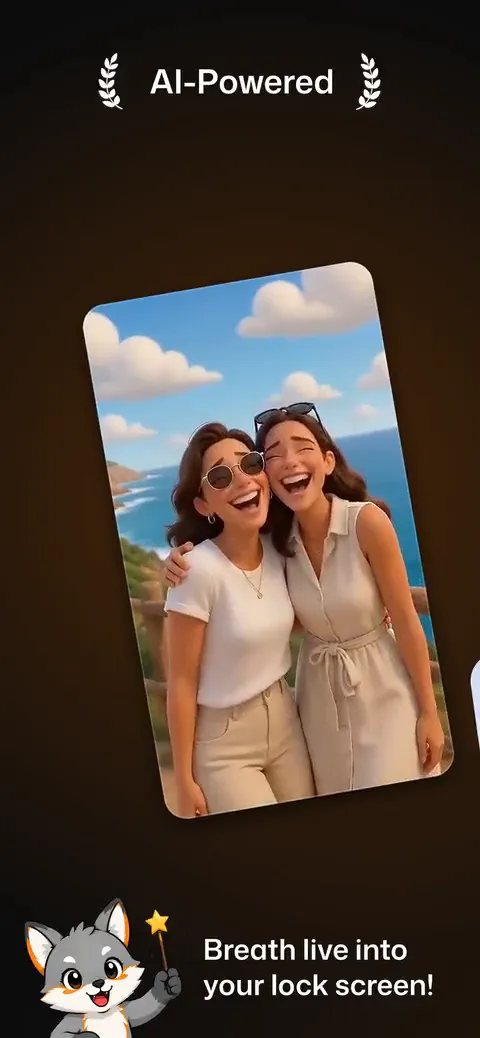
Yesterday's photo. Tonight's lock screen.
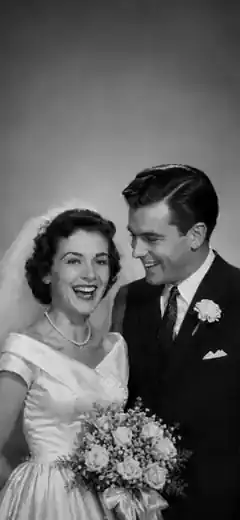
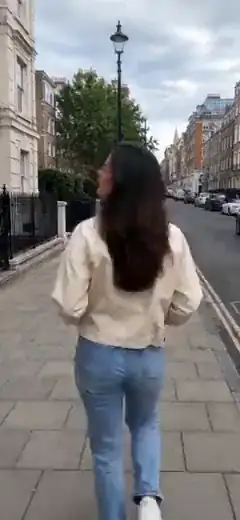
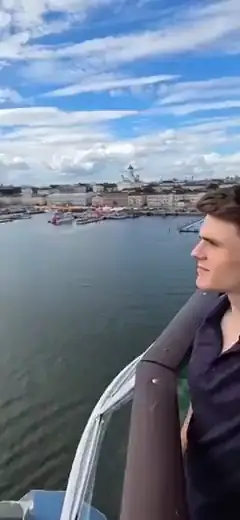
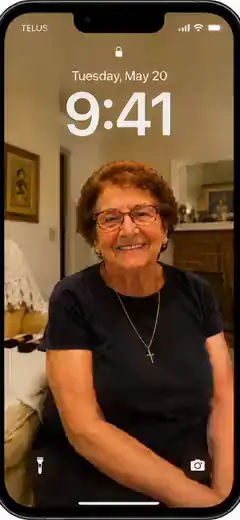
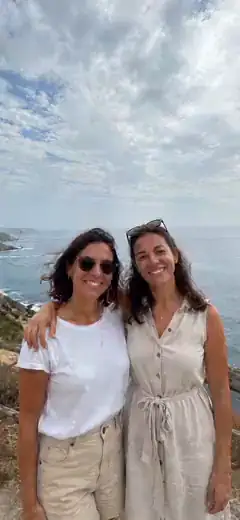
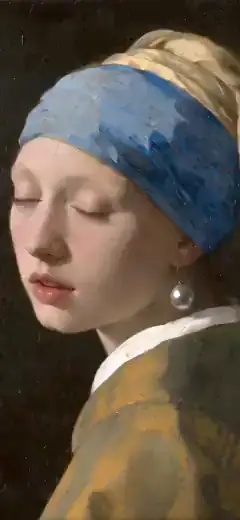
Every card below starts as the untouched photo — then becomes the wallpaper Lockimate made from it. Watch them turn.
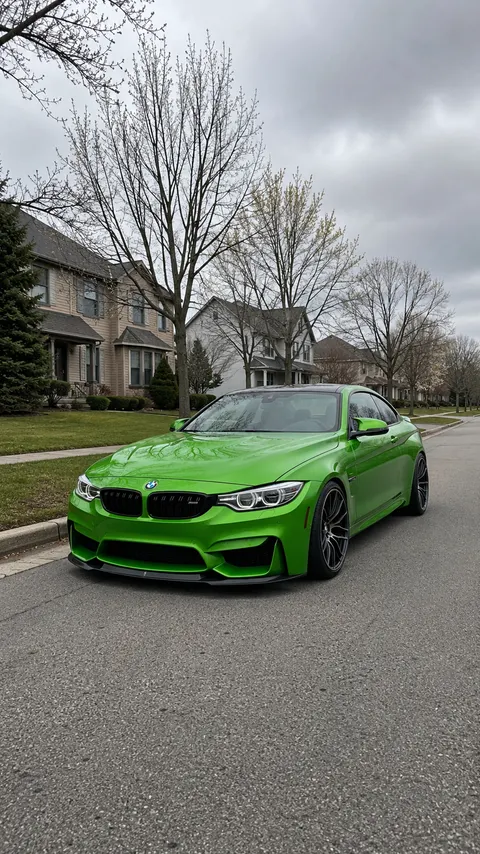 Live
Live 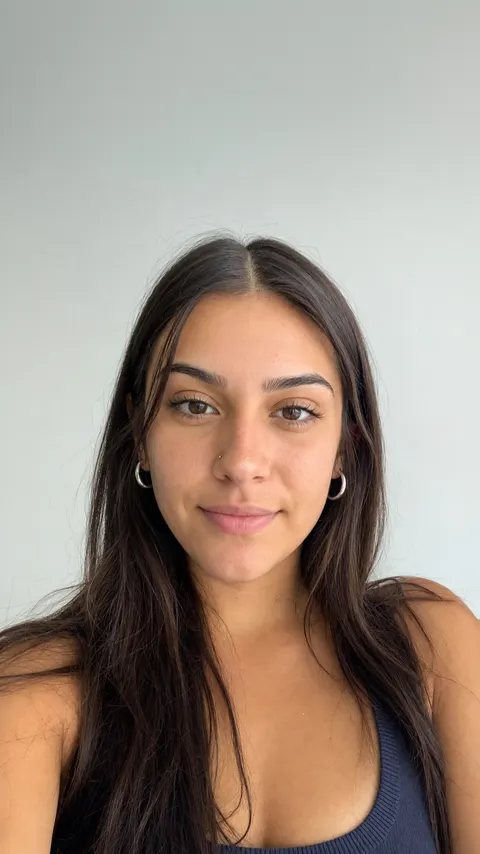 Live
Live 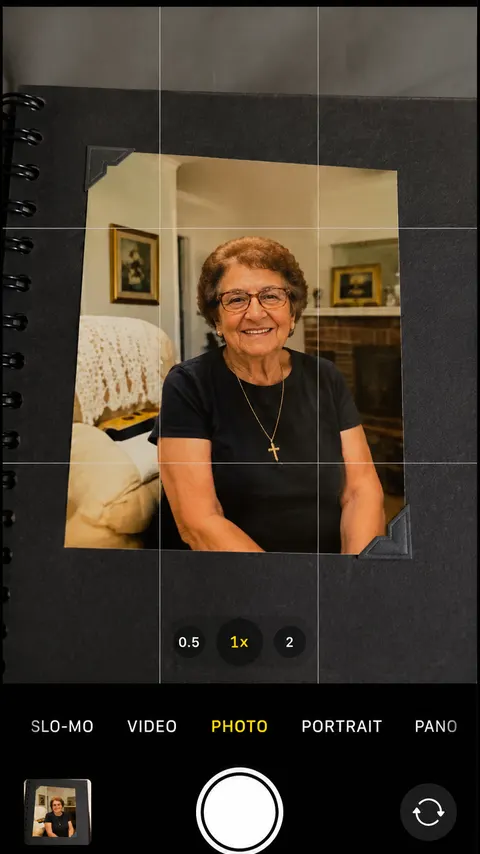 Live
Live 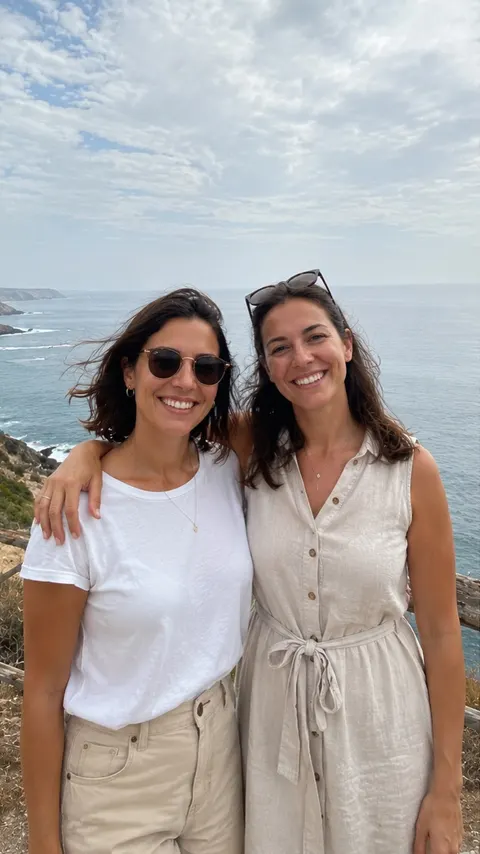 Live
Live 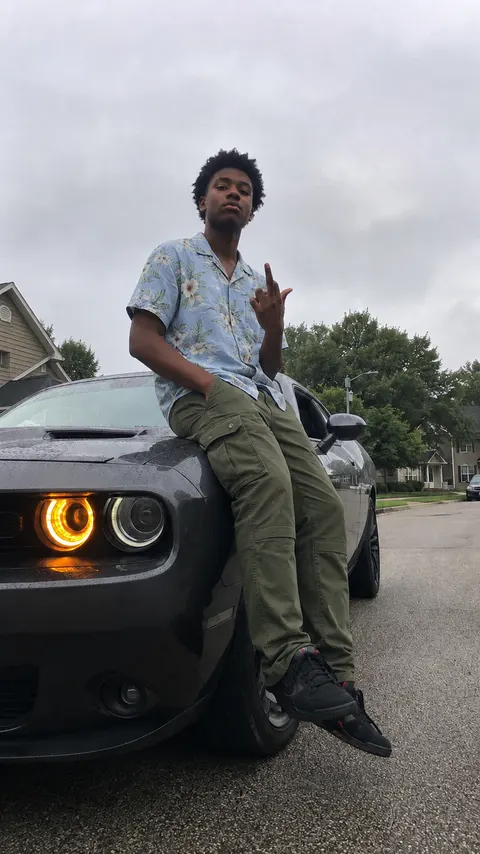 Live
Live From still photo to living wallpaper
No editing, no effort — pick a photo and we animate it for you.
Pick a photo
Choose any photo, screenshot, or portrait from your library.
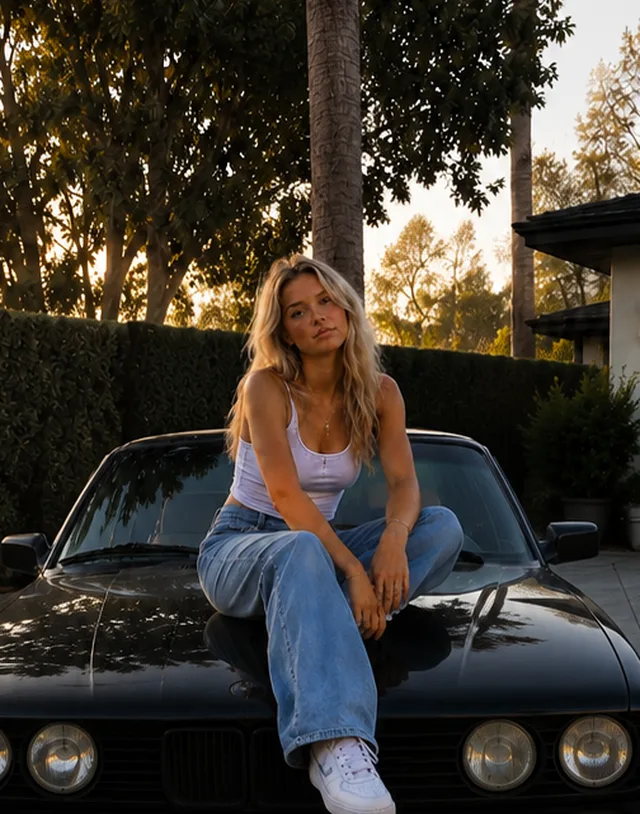
Choose how it moves
Pick a ready-made movement, or describe your own in words.

Set it live
About 2–3 minutes later, save it as a Live Photo and set it as your lock screen. Done.
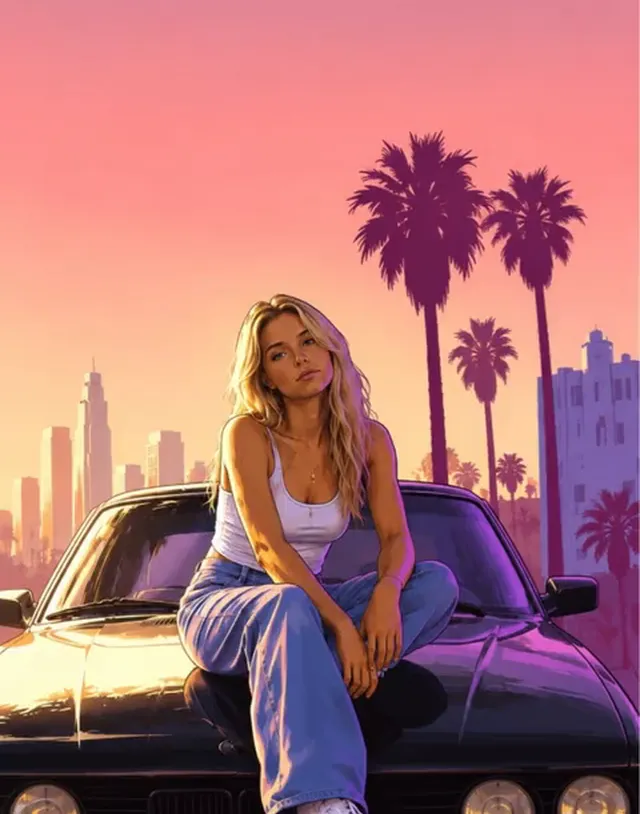
Realistic to start — more with Pro
Keep it true to life, or transform it into a whole new look. Every tile below is a real Lockimate result.
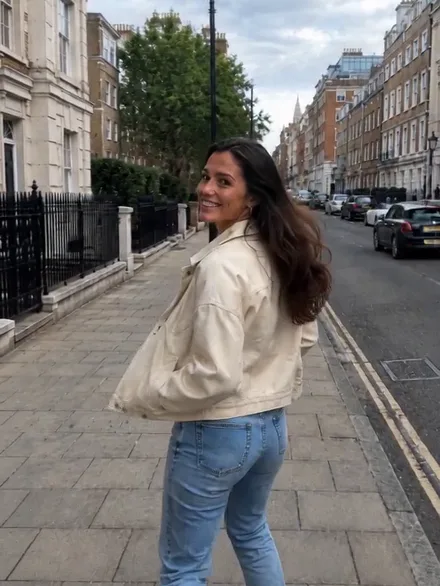 Realistic
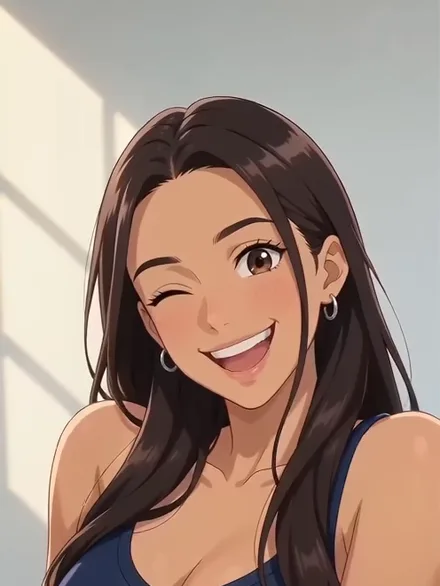 AnimePRO
 3D CartoonPRO
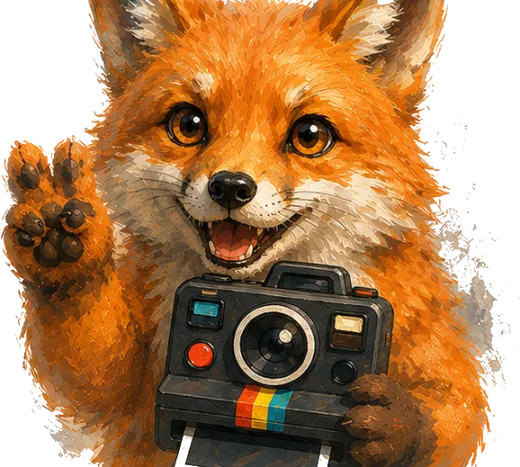 PainterlyPRO
Your wallpaper is alive
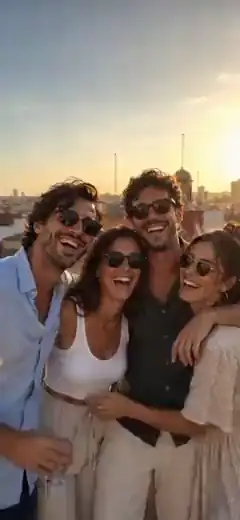
Twenty subjects, endless looks — see what animates well and why.










Guides from the den
Setup walkthroughs, subject-by-subject animation tips, and honest app comparisons — everything we know about living lock screens.
Get a live wallpaper on iPhone
The full setup, from photo to lock screen.
App comparisons
Lockimate next to the other wallpaper apps, feature by feature.
What animates well
20 subjects rated: oceans, pets, anime, city nights…
Glossary
Live Photo, key frame, depth effect — decoded.
Popular: Moving wallpaper for iPhone · Best live wallpaper apps · Which apps actually work · What is a Live Photo · Customize your lock screen · iOS 26 wallpaper guide · Spatial Scenes · Live Photo checker


Bring your lock screen to life.
Native Live Photo wallpapers, animated by AI from any photo you choose. Your first one is free.